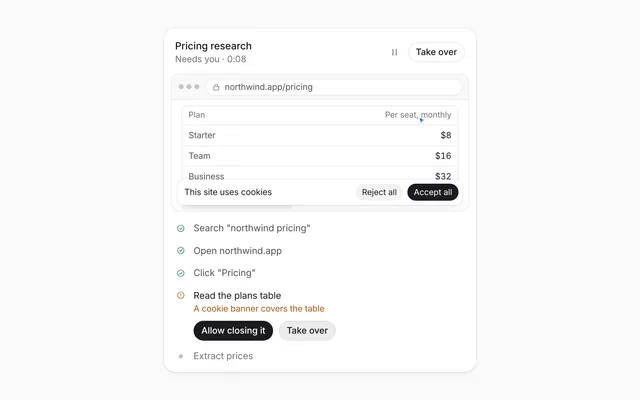
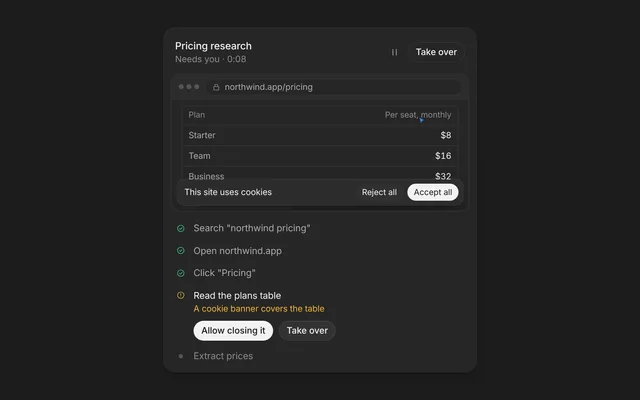
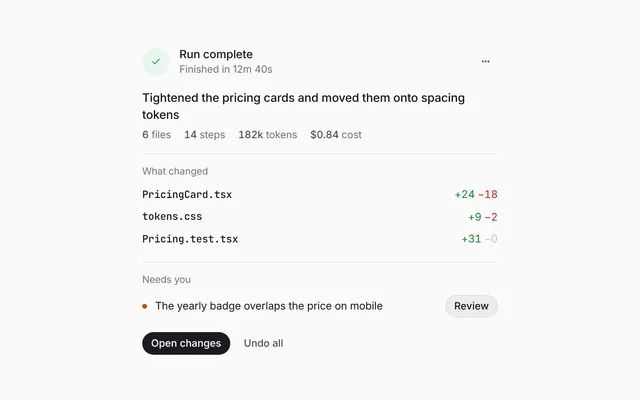
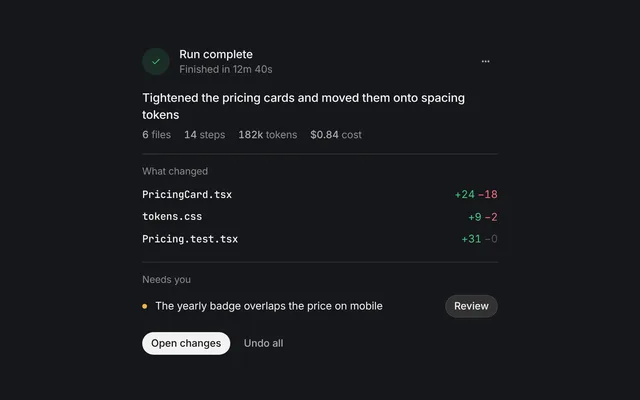
Agent statusAction log
Built by DesignMe, free to use under the MIT licence.
Expert design and dev support for startups and enterprises.
Book a callAction log
Every read, search, edit and command, logged as it runs. Free and MIT licensed, as HTML or a typed React component, in two styles with light and dark mode.
Install
Add it to your project with the CLI.
HTML, CSS and JavaScript
npx designme add action-logReact
npx designme add action-log --reactThe CLI copies the source into your project, so you own it and can change anything. The HTML version lands in ./designme with the shared core and a demo.html. The React version lands in src/components/designme and needs React 19; it works in Next.js, Vite and Astro.
About
What it is for and what it does.
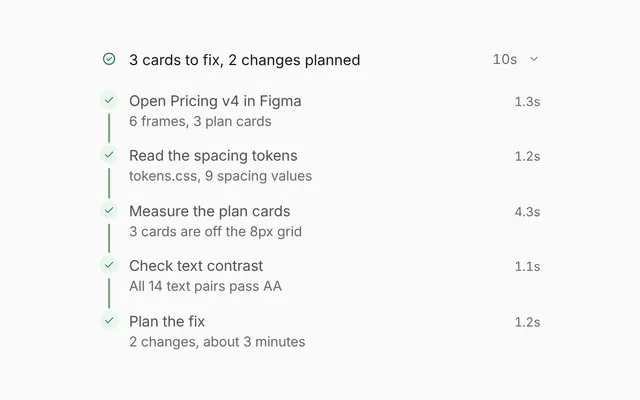
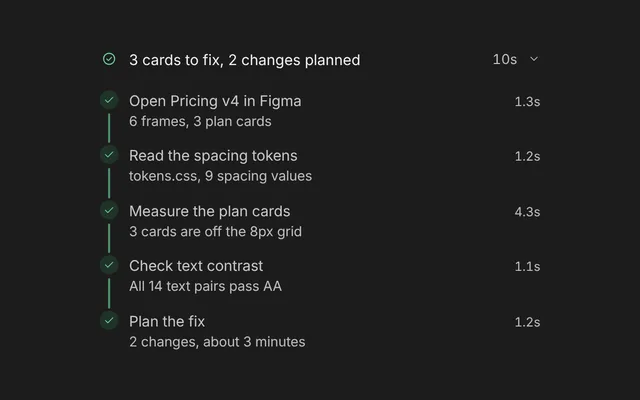
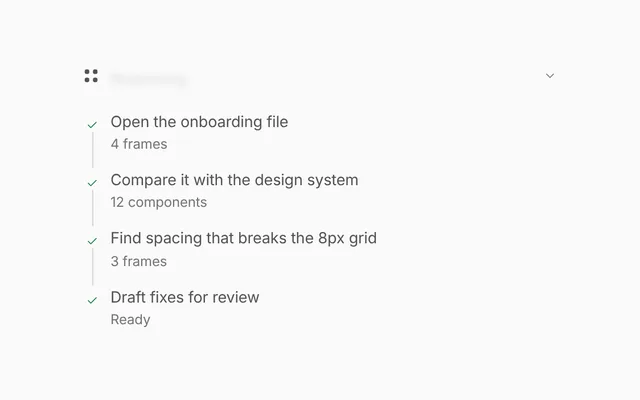
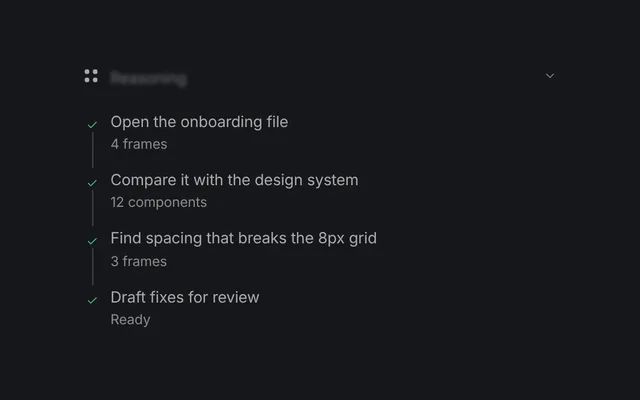
Action log is a running list of everything an agent does during a task: each file it reads, search it makes, edit it saves and command it runs. Rows land one by one with a spinner, settle with a check and a time, and open to show their output, like a diff or test results.
- When a coding or work agent runs many tool calls and people want a plain record of each one.
- When people need to check the exact diff or command output behind a step.
- When you want a header that says the agent is on step 4, then how many steps it took and how long.
- Each action has an
icon, atitle(wrap file names in<code>), an optionaldetailline, and astateof running or done. - Running rows show a spinner. Done rows show a check and their
time, like "0.4s". - Rows with
outputopen on click to show it in a preformatted block. Lines wrapped indm-aordm-xspans read as added or removed. - While
runningis true, the header shows a spinner and "Running step N". After that it shows a green dot and "N steps, Xs", the total of the action times, unless you passstatus. titlechanges the header, which defaults to "Agent activity". It sits flat in a chat thread by default, andbare={false}gives it a card.
- Rows with output are buttons with
aria-expanded. - Closed output panels are
inertandaria-hidden. - The actions are an ordered list (
<ol>), so screen readers announce the step count and position.
Usage
Import it and drive it from your own state.
Import
import { ActionLog } from '@/components/designme/action-log/ActionLog';Example
The demo above as a React component, 31 lines you can copy.
'use client';
// The animated preview from designme.dev, rebuilt from the React component: an example of driving it from your own state.
import { useState } from 'react';
import { ActionLog, type Action } from './ActionLog';
import { useScript } from '../lib/useScript';

/* ---------- Action log: five tool calls land one by one, each opens to its output ---------- */
const ACTIONS: Omit<Action, 'state'>[] = [
  { icon: 'file-text', title: <>Read <code>Pricing.tsx</code></>, detail: 'src/pages, 212 lines', time: '0.4s', output: 'export function Pricing() {\n  return <Grid cols={3} gap={20}>…' },
  { icon: 'search', title: <>Searched Figma for <code>Button</code></>, detail: '6 matches in Components.fig', time: '1.1s', output: 'Button / Primary\nButton / Secondary\nButton / Ghost  +3' },
  { icon: 'edit', title: <>Edited <code>PricingCard.tsx</code></>, detail: <><span style={{ color: 'var(--dm-add)' }}>+18</span> <span style={{ color: 'var(--dm-del)' }}>−7</span> lines</>, time: '2.3s',
    output: <><span className="dm-x">− gap: 20px;</span>{'\n'}<span className="dm-a">+ gap: var(--space-6);</span></> },
  { icon: 'term', title: <>Ran <code>npm test</code></>, detail: '24 tests passed', time: '3.2s', output: '✓ PricingCard renders 3 plans\n✓ toggles yearly billing\n24 passed, 0 failed' },
  { icon: 'pr', title: 'Opened a pull request', detail: '#412, Use shared spacing tokens', time: '0.6s', output: 'feat/pricing-spacing → main\n3 commits, ready for review' }
];

export default function ActionLogDemo() {
  const [actions, setActions] = useState<Action[]>([]);
  const [running, setRunning] = useState(true);
  useScript(async ({ wait }) => {
    for (let i = 0; i < ACTIONS.length; i++) {
      setActions(a => [...a, { ...ACTIONS[i], state: 'running' }]);
      await wait(950);
      setActions(a => a.map((x, k) => (k === i ? { ...x, state: 'done' } : x)));
    }
    setRunning(false);
  });
  // keeps the room the five steps fill, so the header doesn't climb as each one lands
  return <div style={{ width: '100%', minHeight: 326 }}><ActionLog actions={actions} running={running} /></div>;
}
Props
Everything ActionLog takes.
| Prop | Type | What it does |
|---|---|---|
actionsrequired | Action[] | |
title | string | |
running | boolean | Shows a spinner in the header while true, and a green dot once false |
status | string | The words beside it. Defaults to "Running step N", then "N steps, Xs" |
bare | boolean | Sits flat in a chat thread (the default, as on designme.dev). Set false to give it a card of its own |
className | string |
Code
The full source, as the CLI installs it.
ActionLog.tsxReact · 74 lines
'use client';
import { useState, type ReactNode } from 'react';
import { cx } from '../lib/cx';
import { Icon, type IconName } from '../lib/icons';
import { Dot, Fold, Spin, Swap } from '../lib/motion';
import '../designme.css';
import './action-log.css';

export interface Action {
  /** The tool's icon, like 'file-text', 'search', 'edit', 'term' or 'pr' */
  icon: IconName;
  /** What the agent did. Wrap file names in <code> */
  title: ReactNode;
  /** The quiet line under it, like "src/pages, 212 lines" */
  detail?: ReactNode;
  /** running shows a spinner, done a check and the time */
  state: 'running' | 'done';
  /** How long it took, like "0.4s". Shown once the action is done */
  time?: string;
  /** What opens under the row, like a diff or test output. Lines in <span className="dm-a"> or "dm-x" read as added or removed */
  output?: ReactNode;
}

export interface ActionLogProps {
  actions: Action[];
  title?: string;
  /** Shows a spinner in the header while true, and a green dot once false */
  running?: boolean;
  /** The words beside it. Defaults to "Running step N", then "N steps, Xs" */
  status?: string;
  /** Sits flat in a chat thread (the default, as on designme.dev). Set false to give it a card of its own */
  bare?: boolean;
  className?: string;
}

function Row({ action }: { action: Action }) {
  const [open, setOpen] = useState(false);
  const done = action.state === 'done';
  return (
    <li className="dm-alg-it dm-enter">
      <button type="button" className="dm-alg-row" aria-expanded={action.output ? open : undefined} onClick={() => setOpen(!open)}>
        <span className="dm-alg-ic"><Icon name={action.icon} /></span>
        <span className="dm-alg-tx"><b>{action.title}</b>{action.detail && <span className="dm-d">{action.detail}</span>}</span>
        <span className="dm-alg-r">
          <span className="dm-num dm-ms">{done ? action.time : ''}</span>
          <span className="dm-g">{done
            ? <span key="ok" className="dm-enter" style={{ color: 'var(--dm-ok)' }}><Icon name="check" size="xs" /></span>
            : <span className="dm-spin" style={{ width: 10, height: 10 }} />}</span>
        </span>
      </button>
      {action.output && <Fold open={open} className="dm-alg-det"><pre>{action.output}</pre></Fold>}
    </li>
  );
}

/** Every tool call the agent makes, as a list that grows while it works. Each row opens to show its output. */
export function ActionLog({ actions, title = 'Agent activity', running = true, status, bare = true, className }: ActionLogProps) {
  const total = actions.reduce((s, a) => s + (parseFloat(a.time ?? '') || 0), 0);
  const words = status ?? (running
    ? actions.length ? `Running step ${actions.length}` : 'Running'
    : `${actions.length} steps${total ? `, ${total.toFixed(1)}s` : ''}`);
  return (
    <div data-dm="" className={cx('dm-alg', !bare && 'dm-panel', className)} style={bare ? { paddingInline: 0 } : undefined}>
      <div className="dm-alg-h">
        <span className="dm-alg-t">{title}</span>
        {running
          ? <span key="run" className="dm-alg-st"><Spin /><Swap className="dm-alg-sum">{words}</Swap></span>
          : <span key="done" className="dm-alg-st dm-enter"><Dot color="var(--dm-ok)" /><span>{words}</span></span>}
      </div>
      <ol className="dm-alg-list">{actions.map((a, i) => <Row key={i} action={a} />)}</ol>
    </div>
  );
}
action-log.cssReact · 25 lines
/* Generated from designme.dev by scripts/sync.mjs. Edit the site, then sync. */
/* ---------- Action log ---------- */
.dm-alg{padding:var(--dm-s-2)}
.dm-alg-h{display:flex;align-items:center;justify-content:space-between;padding:var(--dm-s-2) 10px 6px}
.dm-alg-t{font-weight:500}
.dm-alg-st{display:inline-flex;align-items:center;gap:7px;font-size:12.5px;color:var(--dm-fg2)}
.dm-alg-st .dm-spin{width:10px;height:10px}
.dm-alg-list{list-style:none;margin:0;padding:0}
/* on a card the log keeps the room its five steps fill, so the header doesn't climb as each one lands */
.dm-stage-in>.dm-alg{min-height:326px}
.dm-alg-it{border-radius:var(--dm-r-in);transition:background .25s}
@media (hover:hover) and (pointer:fine){.dm-alg-it:hover{background:var(--dm-row)}}
.dm-alg-row{display:flex;align-items:center;gap:10px;width:100%;padding:var(--dm-s-2) 10px;text-align:left}
.dm-alg-ic{width:26px;height:26px;border-radius:var(--dm-r-sm);background:var(--dm-chip);display:grid;place-items:center;color:var(--dm-fg2);flex:none;transition:background .25s}
@media (hover:hover) and (pointer:fine){.dm-alg-it:hover .dm-alg-ic{background:var(--dm-surface)}}
.dm-alg-tx{flex:1;min-width:0}
.dm-alg-tx b{font-weight:500}
.dm-alg-tx code{font-family:var(--dm-mono);font-size:12px}
.dm-alg-tx .dm-d{display:block;font-size:12px;color:var(--dm-muted)}
.dm-alg-r{display:flex;align-items:center;gap:var(--dm-s-2);color:var(--dm-muted);font-size:12px}
.dm-alg-r .dm-g{width:14px;display:grid;place-items:center}
.dm-alg-det{margin:0 10px 0 46px}
.dm-alg-det pre{margin:0 0 10px;font-family:var(--dm-mono);font-size:11.5px;line-height:1.6;background:var(--dm-surface);border-radius:10px;padding:var(--dm-s-2) 10px;white-space:pre-wrap;color:var(--dm-fg2);box-shadow:inset 0 0 0 1px color-mix(in srgb,var(--dm-line) 50%,transparent)}
.dm-alg-det .dm-a{color:var(--dm-add)}.dm-alg-det .dm-x{color:var(--dm-del)}
action-log.htmlHTML · 9 lines
<div class="card bare" data-c="action-log">
  <div class="stage-in">
    <div class="alg panel">
      <div class="alg-h"><span class="alg-t">Agent activity</span><span class="alg-st"><span class="spin"></span><span class="alg-sum">Running</span></span></div>
      <ol class="alg-list"></ol>
    </div>
  </div>
</div>
action-log.cssHTML · 24 lines
/* ---------- Action log ---------- */
.alg{padding:var(--s-2)}
.alg-h{display:flex;align-items:center;justify-content:space-between;padding:var(--s-2) 10px 6px}
.alg-t{font-weight:500}
.alg-st{display:inline-flex;align-items:center;gap:7px;font-size:12.5px;color:var(--fg2)}
.alg-st .spin{width:10px;height:10px}
.alg-list{list-style:none;margin:0;padding:0}
/* on a card the log keeps the room its five steps fill, so the header doesn't climb as each one lands */
.stage-in>.alg{min-height:326px}
.alg-it{border-radius:var(--r-in);transition:background .25s}
@media (hover:hover) and (pointer:fine){.alg-it:hover{background:var(--row)}}
.alg-row{display:flex;align-items:center;gap:10px;width:100%;padding:var(--s-2) 10px;text-align:left}
.alg-ic{width:26px;height:26px;border-radius:var(--r-sm);background:var(--chip);display:grid;place-items:center;color:var(--fg2);flex:none;transition:background .25s}
@media (hover:hover) and (pointer:fine){.alg-it:hover .alg-ic{background:var(--surface)}}
.alg-tx{flex:1;min-width:0}
.alg-tx b{font-weight:500}
.alg-tx code{font-family:var(--mono);font-size:12px}
.alg-tx .d{display:block;font-size:12px;color:var(--muted)}
.alg-r{display:flex;align-items:center;gap:var(--s-2);color:var(--muted);font-size:12px}
.alg-r .g{width:14px;display:grid;place-items:center}
.alg-det{margin:0 10px 0 46px}
.alg-det pre{margin:0 0 10px;font-family:var(--mono);font-size:11.5px;line-height:1.6;background:var(--surface);border-radius:10px;padding:var(--s-2) 10px;white-space:pre-wrap;color:var(--fg2);box-shadow:inset 0 0 0 1px color-mix(in srgb,var(--line) 50%,transparent)}
.alg-det .a{color:var(--add)}.alg-det .x{color:var(--del)}
action-log.jsHTML · 26 lines
DM.def('action-log', (r, c) => {
const list = $('.alg-list', r);
const acts = [
{ ic:'file-text', t:'Read <code>Pricing.tsx</code>', d:'src/pages, 212 lines', ms:'0.4s', det:'export function Pricing() {\n return <Grid cols={3} gap={20}>…' },
{ ic:'search', t:'Searched Figma for <code>Button</code>', d:'6 matches in Components.fig', ms:'1.1s', det:'Button / Primary\nButton / Secondary\nButton / Ghost +3' },
{ ic:'edit', t:'Edited <code>PricingCard.tsx</code>', d:'<span style="color:var(--add)">+18</span> <span style="color:var(--del)">−7</span> lines', ms:'2.3s', det:'<span class="x">− gap: 20px;</span>\n<span class="a">+ gap: var(--space-6);</span>' },
{ ic:'term', t:'Ran <code>npm test</code>', d:'24 tests passed', ms:'3.2s', det:'✓ PricingCard renders 3 plans\n✓ toggles yearly billing\n24 passed, 0 failed' },
{ ic:'pr', t:'Opened a pull request', d:'#412, Use shared spacing tokens', ms:'0.6s', det:'feat/pricing-spacing → main\n3 commits, ready for review' }
];
const sum = $('.alg-sum', r), st = $('.alg-st', r);
c.run(async () => {
let total = 0;
for (const a of acts){
const li = html(`<li class="alg-it"><button class="alg-row" aria-expanded="false"><span class="alg-ic">${I(a.ic)}</span><span class="alg-tx"><b>${a.t}</b><span class="d">${a.d}</span></span><span class="alg-r"><span class="num ms"></span><span class="g"><span class="spin" style="width:10px;height:10px"></span></span></span></button><div class="fold shut alg-det"><div><pre>${a.det}</pre></div></div></li>`);
list.appendChild(li); enter(li);
const btn = $('.alg-row', li), det = $('.alg-det', li);
btn.onclick = () => { const s = det.classList.toggle('shut'); btn.setAttribute('aria-expanded', !s); };
swap(sum, 'Running step ' + list.children.length);
await c.wait(950);
$('.g', li).innerHTML = `<span style="color:var(--ok)">${I('check','xs')}</span>`; enter($('.g', li).firstElementChild);
$('.ms', li).textContent = a.ms; total += parseFloat(a.ms);
}
st.innerHTML = `<span class="dot" style="color:var(--ok)"></span><span>5 steps, ${total.toFixed(1)}s</span>`; enter(st);
});
});
Questions
What people ask about it.
- How do I add actions as the agent works?
- Append each new action to
actionswithstate: 'running', then set it to 'done' with atimewhen it finishes. Each new row plays a short entrance as it lands. - How is the total time in the header worked out?
- It adds up the number at the start of each action's
time, so write times in seconds, like "0.4s", for the total to make sense. Passstatusto write your own line instead. - Can I show a coloured diff in the output?
- Yes.
outputtakes any React node, so wrap removed lines in<span className="dm-x">and added lines in<span className="dm-a">.
More in Agent status
Show what the agent is doing, how far along it is, and what it is working with.